Integrations
Use Fiig from the tools you already have.
WordPress plugin
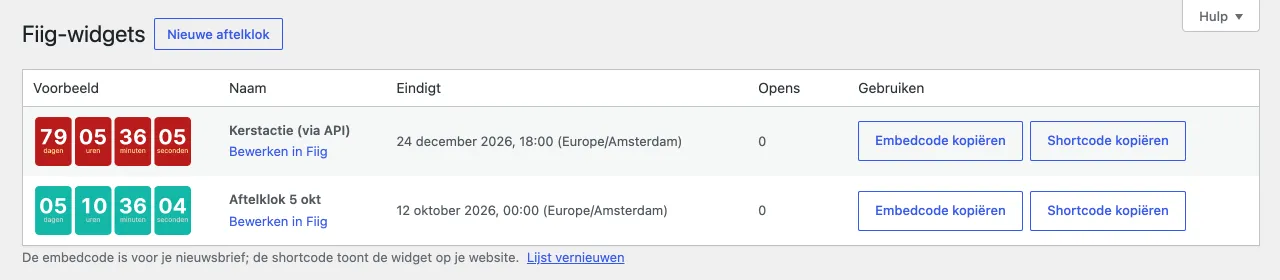
Manage all your Fiig widgets from WordPress and put them in your newsletter or on your website with one click.
- All your widgets with a live preview, end date, opens and votes
- Create new countdowns, polls, progress bars and stock counters in your brand colors
- Update a progress bar's or stock counter's value right from the overview
- Copy the embed code for your newsletter or the shortcode for your site
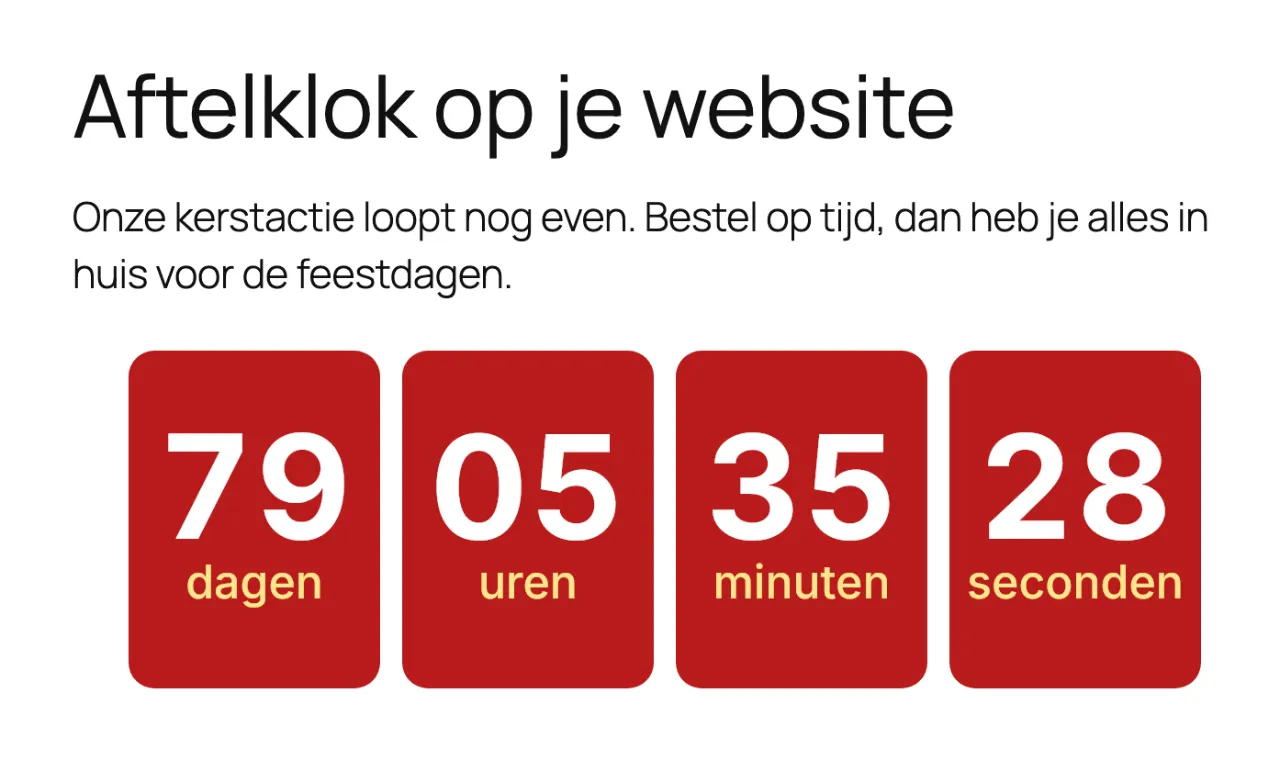
- The [fiig_widget] shortcode shows a live widget in posts and pages
- In English and Dutch
Install
- Download the plugin below.
- In WordPress, go to Plugins → Add New Plugin → Upload Plugin and choose the zip file.
- Create an API key in Fiig under Account → API.
- Paste the key in WordPress under Fiig → Settings.
The plugin will be in the WordPress plugin directory soon. Until then, you install new versions yourself: download the latest zip and upload it again.
Fiig in Laposta
How to put a widget in a newsletter in Laposta's drag & drop editor.
- In Fiig, copy your widget's embed code with the Copy button.
- In Laposta, drag a Text block to where the widget should go.
- In the text block's toolbar, click Broncode (source code).
- Replace the sample text with the embed code and save the block.
- Send yourself a test email and check the widget.
A countdown, progress bar or stock counter is a single image and works right away. A poll also has its question and buttons in the code: check in your test email that you can vote.
Other email tools
In most email tools you paste the embed code into an HTML or code block, like in Mailchimp, Brevo and MailerLite. Always send yourself a test email first.
Zapier and Make
Connect Fiig to your other apps without code. For example, move a countdown's end date when your planning changes.
Read the guideAPI
Create and update widgets and fetch statistics from your own systems.
Read the API documentation